
How to Choose the Right Wall Mount for Your TV: A Comprehensive Guide in Apopka Florida
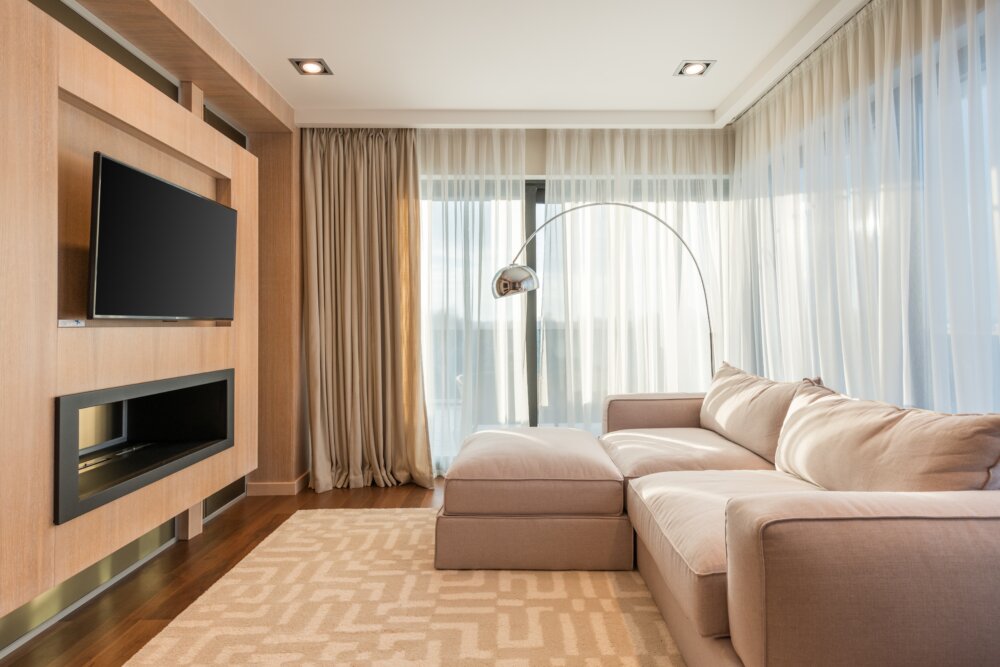
When it comes to mounting your TV on the wall, choosing the right wall mount is crucial to ensure a safe and secure setup. As a trusted handyman business based in Apopka, Florida, Ben Handyman has extensive experience in helping local residents with their TV wall mounting needs. In this comprehensive guide, we will go through the essential factors to consider when choosing the right wall mount for your TV. Before getting into the details, it’s essential to measure the size and weight of your TV. This information will help determine which type of wall mount is suitable for your TV. If your TV is relatively small, a fixed wall mount or a tilting wall mount may be sufficient. However, for larger and heavier TVs, a full-motion wall mount or an articulating wall mount may be necessary. Another critical factor to consider is the VESA pattern. VESA (Video Electronics Standards Association) is a standard for the mounting hole pattern on the back of TVs. It’s crucial to choose a wall mount that is compatible with your TV’s VESA pattern to ensure a secure fit. Most wall mounts come with a VESA compatibility chart, so it’s easy to check if a particular wall mount will work with your TV. Another thing to consider is the viewing angle. If you plan to mount your TV in a location where you will be sitting or standing directly in front of it, a fixed wall mount or a tilting wall mount may be sufficient. However, if you plan to mount your TV in a location where the viewing angle is less than optimal, a full-motion wall mount or an articulating wall mount may be a better choice, as these types of wall mounts allow you to adjust the TV’s position to the perfect viewing angle. It’s also important to consider the installation process when choosing a wall mount. Some wall mounts are relatively easy to install and can be done by a handy DIY enthusiast, while others may require the help of a professional, such as Ben Handyman based in Apopka, Florida. If you’re not confident in your handyman skills, it’s always best to enlist the help of a professional to ensure a safe and secure installation. Finally, it’s essential to consider the cost of the wall mount. Wall mounts can range in price from a few dollars to several hundred dollars, depending on the type, size, and features. While it may be tempting to go for a cheaper option, it’s crucial to invest in a quality wall mount to ensure the safety and stability of your TV. In conclusion, choosing the right wall mount for your TV is a crucial step in ensuring a safe and secure setup. By considering the size and weight of your TV, the VESA pattern, the viewing angle, the installation process, and the cost, you can choose the right wall mount that meets your specific needs and requirements. And, for residents in Apopka, Florida, Ben Handyman is always available to provide expert assistance and guidance. Whether you’re a handy DIY enthusiast or prefer to leave it to the professionals, Ben Handyman has you covered for all your TV wall mounting needs. Contact Ben Handyman about TV Wall Mounting Call or text: 352-561-3616 Tap To Call Tap To Text Or Request Service REQUEST SERVICE Search terms you might use to find this page: TV wall mount guide Apopka Florida Wall mount for TV Apopka Florida TV mounting Apopka Florida How to mount a TV on a wall Apopka Florida Choosing the right wall mount for your TV Apopka Florida Handyman for TV wall mount Apopka Florida Best wall mount for TV Apopka Florida Fixed wall mount for TV Apopka Florida Tilting wall mount for TV Apopka Florida Full-motion wall mount for TV Apopka Florida Articulating wall mount for TV Apopka Florida VESA pattern for TV wall mount Apopka Florida TV viewing angle Apopka Florida DIY TV wall mount Apopka Florida Professional TV wall mount Apopka Florida Cost of TV wall mount Apopka Florida How to measure TV for wall mount Apopka Florida Wall mount installation Apopka Florida TV wall mount compatibility Apopka Florida Secure TV wall mount Apopka Florida TV wall mount safety Apopka Florida Handyman services Apopka Florida TV wall mount experts Apopka Florida Apopka Florida home services Wall mounting service Apopka Florida Wall mount installation Apopka Florida Best handyman Apopka Florida Apopka Florida TV installation services Home theater installation Apopka Florida TV mounting services Apopka Florida Apopka Florida handyman for TV mounting Wall mount TV installation Apopka Florida Apopka Florida wall mount experts Secure wall mount for TV Apopka Florida Wall mounting for large TVs Apopka Florida Expert wall mount installation Apopka Florida Wall mounting for heavy TVs Apopka Florida Affordable TV wall mount Apopka Florida Quality TV wall mount Apopka Florida Handyman services for TVs Apopka Florida TV wall mount installation tips Apopka Florida DIY TV mounting Apopka Florida Wall mount installation cost Apopka Florida Professional TV installation Apopka Florida TV mounting solutions Apopka Florida Wall mount for flatscreen TV Apopka Florida Wall mount for curved TV Apopka Florida Secure wall mount for flatscreen TV Apopka Florida Secure wall mount for curved TV Apopka Florida Apopka Florida handyman for wall mounting.
DIY Guide to Wall Mounting Your TV: Step-by-Step Instructions for a Perfect Setup in Zellwood Florida
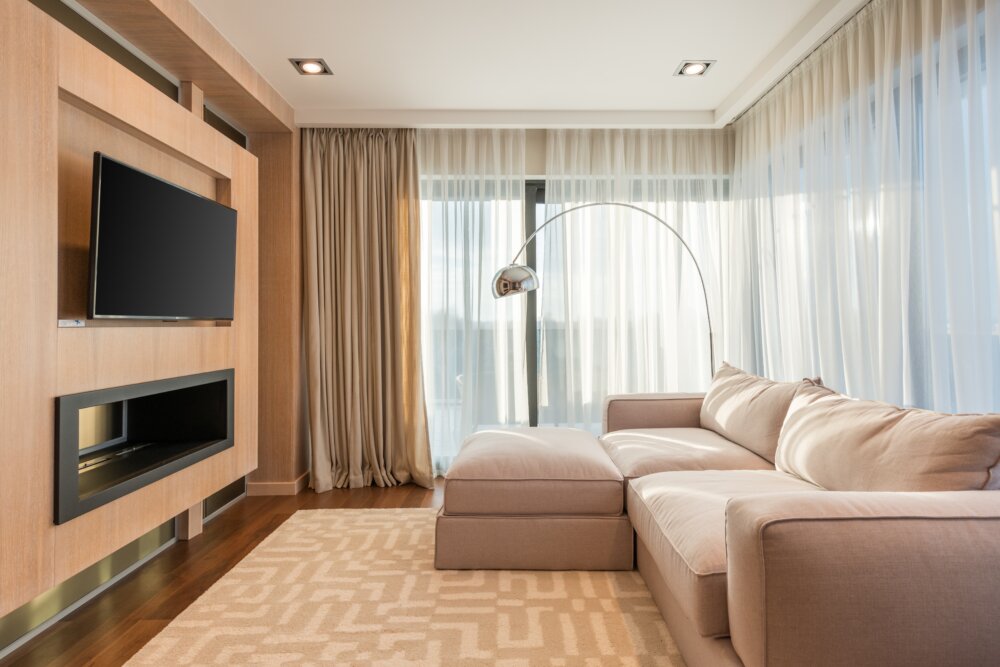
Are you tired of having to constantly adjust your TV to get the perfect viewing angle? It’s time to say goodbye to that frustration and mount your TV on the wall. This guide will give you step-by-step instructions for a successful TV wall mount in Zellwood, Florida. Whether you’re a seasoned DIYer or a beginner, with the right tools and some patience, you can have your TV wall mounted in no time. Before you get started, it’s important to note that while wall mounting your TV may seem like a simple task, it’s important to follow safety guidelines to avoid any damage to your TV or yourself. If you’re not comfortable with the task, it’s best to contact a professional, like Ben Handyman, a trusted handyman business based in Zellwood, Florida. Step 1: Gather the Tools Before you start, make sure you have the following tools on hand: Stud finder Tape measure Level Drill Wall mount bracket Screws and anchors Screwdriver Cable ties Step 2: Measure Your TV and Wall To ensure that you have the right wall mount bracket, you’ll need to measure your TV. Write down the height, width, and depth of your TV. Also, make sure to note the VESA pattern, which is the spacing of the mounting holes on the back of your TV. Next, locate the studs in the wall where you want to mount your TV. Use a stud finder to locate the studs, and mark the location with a pencil. Measure the distance from the center of the studs to ensure that your wall mount bracket will fit. Step 3: Choose Your Wall Mount Bracket Now that you have the measurements for your TV and wall, it’s time to choose the right wall mount bracket. There are several types of wall mount brackets available, including fixed, tilting, and full-motion brackets. Choose the bracket that best fits your needs and make sure it’s compatible with your TV’s VESA pattern and weight. Step 4: Install the Wall Mount Bracket This is where the drill comes in handy. Follow the manufacturer’s instructions to install the wall mount bracket. Make sure to use the right screws and anchors to secure the bracket to the wall. Step 5: Mount Your TV on the Bracket Once the wall mount bracket is securely installed, it’s time to mount your TV. Place the TV on the bracket and secure it with the provided screws. Double-check to make sure that your TV is level and securely attached to the bracket. Step 6: Hide the Cables The final step is to hide the cables. Use cable ties to neatly tuck away the cables and keep them out of sight. Congratulations! You’ve successfully wall mounted your TV in Zellwood, Florida. With these step-by-step instructions, you can enjoy a perfectly positioned TV for years to come. If at any point you feel unsure about any part of the process, don’t hesitate to reach out to the experts at Ben Handyman, based in Zellwood, Florida. They can help you achieve a perfect setup with ease. In conclusion, wall mounting your TV is a great way to save space and improve your viewing experience. With a little patience and the right tools, you can have a beautifully mounted TV in no time. And if you need any assistance, remember to reach out to the professionals at Ben Handyman, serving the Zellwood, Florida area. Contact Ben Handyman about TV Wall Mounting Call or text: 352-561-3616 Tap To Call Tap To Text Or Request Service REQUEST SERVICE Search terms you might use to find this page: TV wall mount Zellwood Florida DIY TV wall mount Zellwood TV wall mount guide Zellwood How to wall mount a TV in Zellwood Step-by-step TV wall mount in Zellwood Wall mounting a TV in Zellwood made easy Best TV wall mount options in Zellwood Zellwood TV wall mount installation Finding the right wall mount for your TV in Zellwood Expert tips for TV wall mounting in Zellwood Zellwood handyman for TV wall mounting Professional TV wall mounting services in Zellwood Ben Handyman Zellwood TV wall mount services Zellwood’s trusted TV wall mount service provider Affordable TV wall mount services in Zellwood TV wall mount installation in Zellwood for beginners TV wall mount safety guidelines in Zellwood Zellwood TV wall mount hardware and tools How to choose the right TV wall mount bracket in Zellwood Fixed, tilting, or full-motion TV wall mount in Zellwood? TV wall mount bracket compatibility with VESA pattern and weight Where to mount your TV in Zellwood How to find studs for TV wall mount in Zellwood Zellwood wall mount installation DIY Professional TV wall mount installation services in Zellwood TV wall mount installation pricing in Zellwood Benefits of TV wall mounting in Zellwood Saving space with TV wall mounting in Zellwood Improving viewing experience with TV wall mount in Zellwood Zellwood TV wall mount for better posture and comfort DIY TV wall mount vs. professional TV wall mount in Zellwood Installing a TV wall mount in Zellwood: Things to consider Zellwood TV wall mount installation: Common mistakes to avoid What to do before wall mounting your TV in Zellwood How to hide TV cables after wall mounting in Zellwood Neatly organizing TV cables after wall mounting in Zellwood How to make sure your TV is level after wall mounting in Zellwood Tips for maintaining your TV wall mount in Zellwood What to do if your TV wall mount is not secure in Zellwood How to remove a TV wall mount in Zellwood Zellwood TV wall mount for outdoor spaces Custom TV wall mount installation in Zellwood TV wall mount installation in Zellwood for commercial spaces Best TV wall mount for gaming in Zellwood Enhancing your home theater with TV wall mount in Zellwood TV wall mount installation in Zellwood for rental properties Best TV wall mount for small spaces in Zellwood TV wall mount for angled ceilings in Zellwood Best TV wall mount for curved TVs in Zellwood
DIY Guide to Wall Mounting Your TV: Step-by-Step Instructions for a Perfect Setup in Yalaha Florida
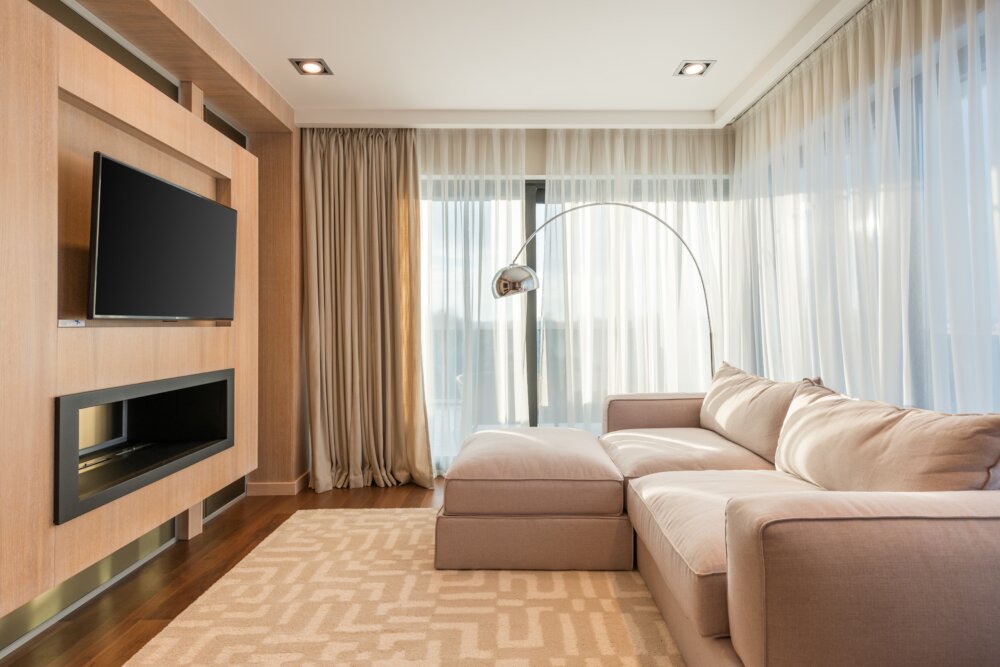
Are you looking to upgrade your home viewing experience by wall mounting your TV? Look no further! As a resident of Yalaha, Florida, you can take on this project as a DIY with the help of this step-by-step guide. Whether you are a seasoned DIYer or just starting out, this guide will help ensure that your TV is mounted properly for the ultimate viewing experience. Before we dive into the steps, let’s first go over the materials you will need for this project. To wall mount your TV, you will need: A wall mount specifically designed for your TV’s make and model A drill Anchors (if necessary) Stud finder Level Screwdriver Ruler or measuring tape Step 1: Determine the Right Location The first step in wall mounting your TV is to determine the right location. It’s important to choose a spot where you can comfortably view the TV from your desired seating area. Make sure the wall you choose can support the weight of your TV and has access to power outlets. Step 2: Find the Studs The next step is to locate the studs in the wall where you will be mounting the TV. A stud finder is an essential tool for this step. The wall mount will need to be attached to the studs for stability. Once you’ve located the studs, use a level to ensure the mounting brackets will be even. Step 3: Install the Wall Mount Now that you’ve found the studs and determined the location for your TV, it’s time to install the wall mount. Follow the manufacturer’s instructions for installing the wall mount, and make sure it is securely attached to the wall. Step 4: Attach the Brackets Once the wall mount is installed, attach the brackets to the back of the TV. Make sure the brackets are securely attached and level with each other. Step 5: Hang the TV With the brackets attached to the back of the TV and the wall mount installed, it’s time to hang the TV. Line up the brackets with the wall mount, and gently lower the TV into place. Make sure the TV is level and securely fastened to the wall mount. Step 6: Connect the Cables The final step is to connect your cables, such as HDMI and power, to the back of the TV. If necessary, use cable management systems to keep cables organized and hidden from view. That’s it! With these steps, you’ve successfully wall mounted your TV in Yalaha, Florida. With proper installation, your TV will be securely mounted and ready for use. If you have any questions or need help, don’t hesitate to reach out to the experts at Ben Handyman, a trusted handyman business in the Yalaha area. In conclusion, wall mounting your TV can be a DIY project that can enhance your viewing experience. With this step-by-step guide, you can feel confident in your ability to mount your TV in Yalaha, Florida. If you’re still unsure, the professionals at Ben Handyman are always available to help. Trust the experts at Ben Handyman, located in Yalaha, Florida, to provide you with a perfect setup every time. Contact Ben Handyman about TV Wall Mounting Call or text: 352-561-3616 Tap To Call Tap To Text Or Request Service REQUEST SERVICE Search terms you might use to find this page: Wall mounting TV guide Yalaha, Florida DIY wall mounting TV Yalaha Step-by-step guide to wall mount TV Yalaha Wall mounting TV Yalaha materials needed How to find studs for wall mounting TV Yalaha Wall mounting TV Yalaha tools needed Wall mounting TV Yalaha step 1: Determine the right location Wall mounting TV Yalaha step 2: Find the studs Wall mounting TV Yalaha step 3: Install the wall mount Wall mounting TV Yalaha step 4: Attach the brackets Wall mounting TV Yalaha step 5: Hang the TV Wall mounting TV Yalaha step 6: Connect the cables TV wall mount installation Yalaha Wall mount for TV Yalaha TV wall mount Yalaha TV wall mount installation guide Yalaha Best way to wall mount TV in Yalaha Wall mount TV setup in Yalaha DIY TV wall mount Yalaha How to mount TV on wall Yalaha Mounting TV on wall Yalaha Wall mount TV installation Yalaha TV wall mount installation Yalaha step by step TV wall mount installation instructions Yalaha Wall mounting TV in Yalaha with Ben Handyman Yalaha TV wall mount service by Ben Handyman Ben Handyman TV wall mount service Yalaha Wall mounting TV with Ben Handyman in Yalaha Ben Handyman guide to wall mounting TV in Yalaha Professional TV wall mount service Yalaha DIY TV wall mount guide Yalaha Yalaha TV wall mount service TV wall mount installation near me Yalaha Yalaha wall mount TV DIY guide Wall mount TV installation guide for Yalaha residents TV wall mount installation service Yalaha TV wall mount service in Yalaha by Ben Handyman Expert TV wall mount service Yalaha Wall mount TV installation for Yalaha homes TV wall mount guide for Yalaha homeowners How to wall mount TV in Yalaha Wall mount TV Yalaha handyman service Yalaha TV wall mount installation service DIY wall mount TV guide for Yalaha residents Wall mount TV installation Yalaha guide by Ben Handyman Best TV wall mount service Yalaha Professional TV wall mount installation in Yalaha Wall mount TV guide for Yalaha DIYers TV wall mount installation tips for Yalaha Wall mounting TV Yalaha with Ben Handyman’s help
DIY Guide to Wall Mounting Your TV: Step-by-Step Instructions for a Perfect Setup in Winter Garden Florida
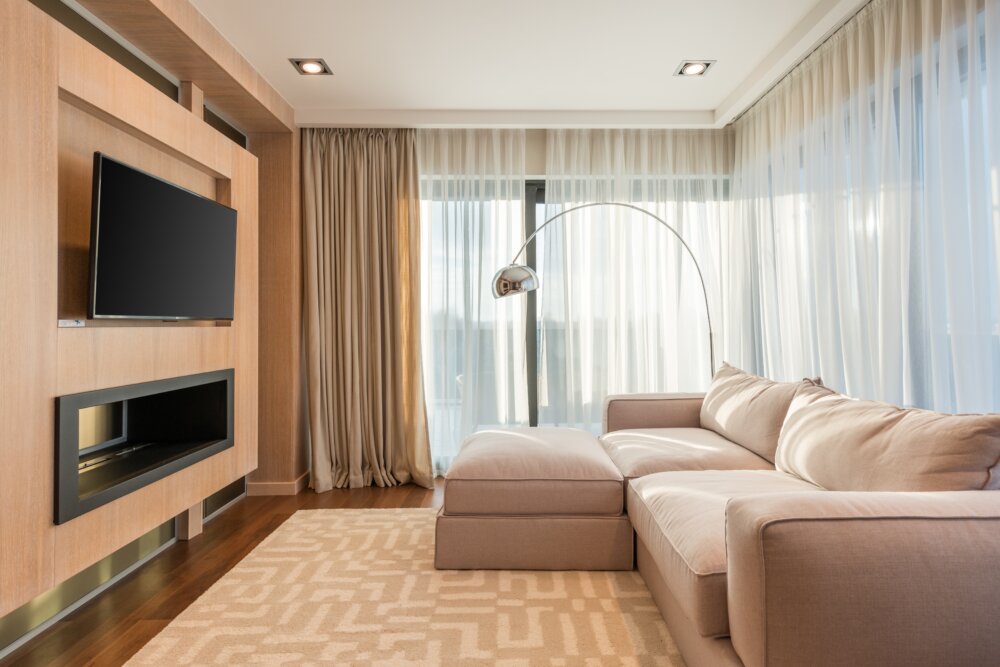
Are you tired of your bulky TV taking up space on a stand or entertainment center in your Winter Garden, Florida home? Wall mounting your TV can not only save space, but also give your room a clean and modern look. While it may seem daunting, wall mounting your TV is a relatively easy DIY project with the right tools and equipment. In this article, we’ll guide you through the steps to successfully wall mount your TV in Winter Garden, Florida. Before You Start: Gather Your Tools and Equipment Before starting your wall mounting project, make sure you have all the necessary tools and equipment. You’ll need a wall mount bracket, a drill, a stud finder, screws, anchors, a level, a drill bit, a screwdriver, and a pencil. Step 1: Choose the Right Wall Mount Bracket There are many different types of wall mount brackets, so it’s important to choose the right one for your TV. The most important factor to consider is the weight of your TV and the weight capacity of the bracket. Most wall mount brackets will list the weight capacity, so make sure to choose one that is suitable for your TV. Step 2: Locate the Studs in the Wall The next step is to locate the studs in the wall where you’ll be mounting your TV. Studs are the wooden beams behind your drywall, and you’ll need to secure your wall mount bracket to these for a secure hold. To locate the studs, use a stud finder. This will help you determine where to drill the screws into the wall. Step 3: Mark the Wall Once you’ve located the studs, use a pencil to mark the center of each stud on the wall. This will be where you’ll drill the screws into the wall to secure the wall mount bracket. Step 4: Install the Wall Mount Bracket Next, attach the wall mount bracket to the back of your TV. Make sure to follow the manufacturer’s instructions, as different wall mount brackets have different installation procedures. Step 5: Attach the Wall Mount Bracket to the Wall Now it’s time to attach the wall mount bracket to the wall. Make sure to use the level to make sure the bracket is straight and level before drilling the screws into the studs. If you don’t have access to the studs, use anchors to secure the bracket to the drywall. Step 6: Hang Your TV Finally, it’s time to hang your TV on the wall mount bracket. This can be a two-person job, so make sure to have someone help you. Once the TV is securely attached to the bracket, you’re ready to enjoy your newly wall-mounted TV in Winter Garden, Florida! Conclusion Wall mounting your TV is a great way to save space and give your room a modern look. With the right tools and equipment, it’s a relatively easy DIY project. By following these steps, you can successfully wall mount your TV in Winter Garden, Florida and enjoy your favorite shows and movies with a clean and organized look. If you’re not comfortable with wall mounting your TV on your own, consider reaching out to the expert handyman services of Ben Handyman, based in Winter Garden, Florida. Our team of professionals has years of experience in wall mounting TVs, and we’d be happy to help make your home theater setup the best it can be. Contact us today to schedule an appointment. Contact Ben Handyman about TV Wall Mounting Call or text: 352-561-3616 Tap To Call Tap To Text Or Request Service REQUEST SERVICE Search terms you might use to find this page: Wall mounting TV in Winter Garden, Florida DIY wall mounting TV in Winter Garden How to wall mount a TV in Winter Garden Saving space with a wall mounted TV in Winter Garden Wall mounting TV for a modern look in Winter Garden Easy steps for wall mounting your TV in Winter Garden What tools and equipment do you need for wall mounting a TV in Winter Garden? Choosing the right wall mount bracket for your TV in Winter Garden How to locate the studs in your wall for TV wall mounting in Winter Garden Marking the wall for TV wall mounting in Winter Garden Installing the wall mount bracket for TV wall mounting in Winter Garden Attaching the wall mount bracket to the wall for TV wall mounting in Winter Garden Hanging your TV on the wall mount bracket in Winter Garden DIY TV wall mounting tips for Winter Garden residents Expert TV wall mounting services in Winter Garden Ben Handyman TV wall mounting services in Winter Garden Wall mount your TV like a pro in Winter Garden Tips for a successful TV wall mounting project in Winter Garden Best practices for wall mounting a TV in Winter Garden How to avoid mistakes when wall mounting your TV in Winter Garden Wall mounting your TV safely in Winter Garden Winter Garden’s go-to for TV wall mounting DIY guide to wall mounting your TV in Winter Garden TV wall mounting for beginners in Winter Garden Common mistakes to avoid when wall mounting your TV in Winter Garden Wall mount your TV for the perfect home theater setup in Winter Garden Installing a wall mount bracket for your TV in Winter Garden How to wall mount a TV without damaging your wall in Winter Garden Wall mounting your TV without professional help in Winter Garden Wall mounting your TV in a rental property in Winter Garden What to consider before wall mounting your TV in Winter Garden Benefits of wall mounting your TV in Winter Garden Wall mounting your TV for better viewing angles in Winter Garden Wall mounting your TV to hide unsightly cords in Winter Garden TV wall mounting ideas for Winter Garden homes Winter Garden’s top-rated TV wall mounting services How to find the right wall mount bracket for your TV in Winter Garden Wall mounting your TV for improved sound
DIY Guide to Wall Mounting Your TV: Step-by-Step Instructions for a Perfect Setup in Windermere Florida
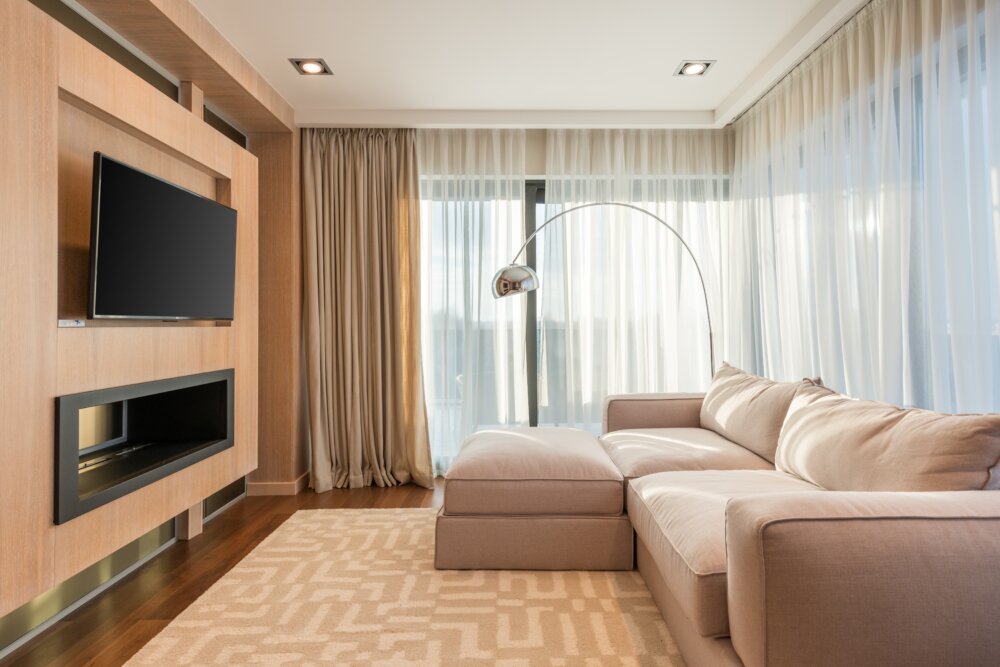
Are you tired of having your TV take up valuable space on a stand or entertainment center? Wall mounting your TV can not only free up space in your Windermere, Florida home, but it can also create a sleek and modern look. But before you start drilling holes into your walls, it’s important to have a solid plan and the right tools. That’s where Ben Handyman, a handyman business based in Windermere, Florida, comes in. Step 1: Choose the Right Mount The first step in wall mounting your TV is choosing the right mount. There are several different types of mounts available, including fixed, tilting, full-motion, and ceiling mounts. Consider the location of your TV, how often you will be adjusting it, and the weight of your TV before making a decision. Step 2: Find the Studs Once you’ve chosen your mount, it’s time to locate the studs in your wall. Studs are the wooden beams behind the drywall that provide the necessary support for your TV mount. You can locate the studs using a stud finder, which is a tool that can be purchased at your local hardware store in Windermere, Florida. Step 3: Mark the Mounting Location Once you’ve located the studs, it’s time to mark the mounting location for your TV. Use a level to make sure your marks are straight and use a pencil to mark the location of the studs. Step 4: Install the Mount Brackets Next, install the mount brackets onto the wall. Make sure the brackets are securely attached to the studs. If your mount comes with a template, use it to ensure the brackets are placed in the correct location. Step 5: Attach the TV to the Mount Once the mount brackets are securely in place, it’s time to attach your TV to the mount. Follow the manufacturer’s instructions to attach the TV to the mount. Make sure the TV is securely attached and double-check that it is level. Step 6: Hide the Cables The final step in wall mounting your TV is to hide the cables. There are several options for hiding the cables, including running the cables through the wall, using cable covers, or using a cable management system. Choose the option that works best for your setup and make sure the cables are securely in place. Wall mounting your TV can seem like a daunting task, but with the right tools and a little bit of know-how, it’s a project that you can do yourself. If you’re in the Windermere, Florida area and need assistance, the professionals at Ben Handyman are here to help. From choosing the right mount to hiding the cables, the team at Ben Handyman has the experience and expertise to help you get the job done right. So why wait? Get started on your wall mounting project today and enjoy your new sleek and modern look! Contact Ben Handyman about TV Wall Mounting Call or text: 352-561-3616 Tap To Call Tap To Text Or Request Service REQUEST SERVICE Search terms you might use to find this page: Wall mounting TV Windermere FL TV wall mount installation Windermere Florida Windermere FL handyman for TV wall mounting How to wall mount a TV in Windermere Florida Wall mount TV installation in Windermere FL Ben Handyman Windermere Florida Mounting a TV in Windermere FL Professional TV wall mounting Windermere Florida Best TV wall mount for Windermere FL Windermere FL DIY TV wall mounting How to hide TV cables Windermere FL TV mount options Windermere Florida Windermere Florida TV mount installer TV mounting service in Windermere FL Windermere FL wall mounting services Windermere FL TV mounting company Windermere FL home improvement services TV wall mount installer near me Windermere FL Windermere Florida wall mount TV bracket Windermere FL TV wall mounting tips Windermere FL TV wall mount height TV wall mount types Windermere FL Windermere Florida TV mount installation cost Windermere FL TV mount placement Wall mount TV Windermere Florida cost Best place to mount TV in Windermere FL Windermere FL TV mounting bracket installation Windermere Florida TV wall mounting company TV wall mount service in Windermere FL Windermere FL TV mounting service cost Windermere Florida wall mount TV installation service Windermere FL TV mounting height TV mounting bracket Windermere FL Windermere Florida wall mount for TV installation How to choose a TV wall mount Windermere FL Windermere FL TV wall mount kit Windermere Florida wall mount TV installation cost TV wall mount DIY Windermere FL Windermere FL TV wall mount brackets for sale TV wall mount installation service Windermere FL Windermere Florida wall mount for TV service Windermere FL TV wall mount cable management Windermere Florida wall mount TV cable cover TV wall mount installation cost in Windermere FL Windermere FL TV wall mount with shelf Windermere FL TV mounting kit Windermere Florida TV mount installation service near me TV wall mount installation in Windermere FL area Windermere FL TV mounting hardware Windermere Florida wall mount TV installation service cost
DIY Guide to Wall Mounting Your TV: Step-by-Step Instructions for a Perfect Setup in Tavares Florida
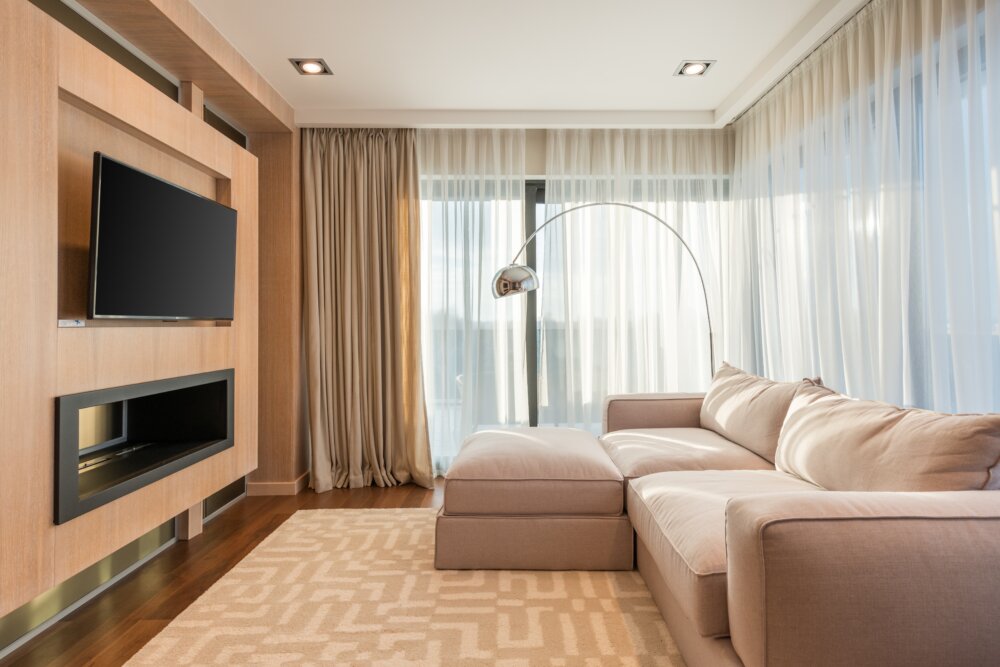
Are you tired of having a bulky TV stand taking up valuable space in your Tavares, Florida home? Wall mounting your TV is a simple DIY project that can give you a clean and modern look in your living room. However, without the proper tools and instructions, the process can be confusing and even dangerous. Ben Handyman, a handyman business based in Tavares, Florida, is here to guide you through the steps for a successful wall mount installation. Before you begin, it’s important to determine the type of wall you have. Solid concrete or brick walls can hold more weight than drywall or plaster. If you’re unsure of your wall type, check with a professional to avoid any potential damage to your home. Materials:• TV Wall Mount• Stud Finder• Drill• Wall Anchors• Screws• Level• Measuring Tape• Pencil Step 1: Determine TV Height The first step in wall mounting your TV is to determine the proper height for placement. This is a personal preference, but most experts suggest mounting the TV eye level or slightly above. To determine the height, use a measuring tape to measure the distance from the floor to where you want the bottom of the TV to be. Step 2: Locate Wall Studs Once you’ve determined the height for your TV, it’s time to locate the wall studs. Studs are the solid pieces of wood behind your drywall that provide support for the mount. A stud finder is a handy tool to locate the studs. Simply run the stud finder along the wall until it beeps, indicating the location of the stud. Mark the stud locations with a pencil. Step 3: Attach Wall Mount With the stud locations marked, it’s time to attach the wall mount. The wall mount should come with instructions for attaching it to the studs. Typically, the mount will have brackets that attach to the studs with screws. Make sure to attach the mount securely and level it with a level tool. Step 4: Attach Wall Anchors If your TV is heavy or your wall studs aren’t located in the right spot, wall anchors can provide extra support. To attach wall anchors, drill a hole into the drywall where the mount will go, and insert the wall anchor. Then, screw the mount into the wall anchor. Step 5: Attach TV to Mount Once the wall mount is securely in place, it’s time to attach the TV. The TV should come with instructions for attaching it to the mount. Make sure to attach the TV securely to the mount, following the manufacturer’s instructions. Step 6: Clean Up The final step is to clean up and admire your handiwork. Make sure to clean up any debris and dispose of it properly. Then, step back and enjoy your newly wall mounted TV in your Tavares, Florida home. Conclusion Wall mounting your TV is a simple DIY project that can transform the look of your living room. By following these step-by-step instructions, you can ensure a successful installation in your Tavares, Florida home. If you’re unsure about any aspect of the installation, it’s always best to consult a professional like Ben Handyman in Tavares, Florida to avoid any potential damage to your home. With the proper tools and guidance, you can enjoy a sleek and modern wall mounted TV in no time. Contact Ben Handyman about TV Wall Mounting Call or text: 352-561-3616 Tap To Call Tap To Text Or Request Service REQUEST SERVICE Search terms you might use to find this page: Wall mounting TV Tavares, FloridaDIY TV wall mount TavaresBen Handyman Tavares FloridaTV wall mount installation TavaresWall mount TV guide TavaresWall mounting tips Tavares FloridaHow to wall mount a TV TavaresWall mount installation instructions TavaresTV mounting service TavaresWall mount TV bracket TavaresMounting a TV on the wall Tavares FloridaTavares home improvement TV wall mountTV wall mount installation guide TavaresBen Handyman DIY TV wall mountTV wall mount installation in Tavares FLHow to wall mount a television TavaresTavares FL TV wall mounting serviceDIY TV wall mounting Tavares FLWall mount TV installation TavaresTavares wall mount TV installation serviceWall mount TV installation guide Tavares FloridaMounting a TV on the wall in Tavares FLTV wall mount kit TavaresTV wall mounting Tavares FloridaWall mounting a flat screen TV TavaresWall mounting a TV in Tavares FloridaWall mounting a TV guide TavaresWall mount TV installation instructions Tavares FloridaTavares wall mount TV installation guideWall mount TV bracket installation TavaresDIY TV mounting TavaresTV wall mount instructions TavaresTavares TV mounting guideWall mount TV installation tips TavaresWall mount TV installation service in TavaresTavares wall mount TV bracket installationTavares wall mount TV serviceTV wall mount installation tips TavaresTV wall mount installation service in Tavares FloridaBen Handyman wall mount TV installation TavaresWall mounting a TV in Tavares guideWall mount TV installation cost TavaresWall mount TV installation near me TavaresTV wall mount installation cost Tavares FLTavares TV wall mounting service costWall mount TV installation service near me TavaresTavares professional TV wall mount serviceTV wall mount installation companies TavaresTavares wall mount TV installation tipsWall mounting TV services in Tavares.
DIY Guide to Wall Mounting Your TV: Step-by-Step Instructions for a Perfect Setup in Tangerine Florida
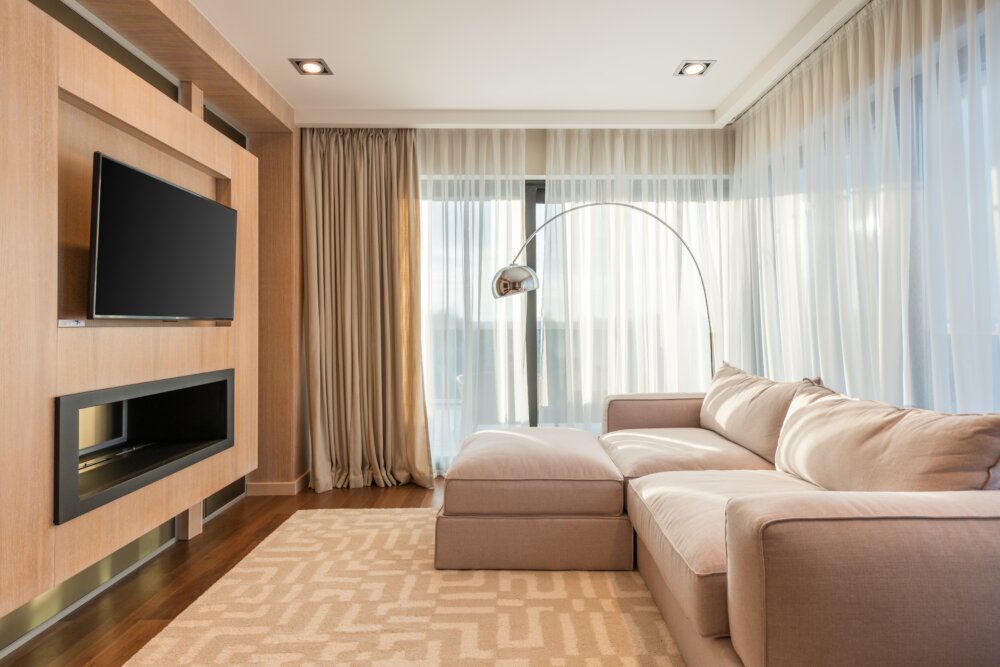
As a proud resident of Tangerine, Florida, you want your home to reflect your style and taste. A wall-mounted TV is a popular choice among homeowners, not only for its sleek and modern appearance but also for its practicality. Wall-mounted TVs save space, reduce clutter, and improve the viewing experience. If you’re thinking of wall-mounting your TV, this DIY guide is for you. Step 1: Determine the Ideal Viewing Location The first step in wall-mounting your TV is to determine the ideal viewing location. Consider factors such as the room’s layout, furniture arrangement, and the height and angle of the TV. The TV should be at eye level and positioned in such a way that minimizes glare and reflections. Step 2: Choose the Right Wall Mount Once you have determined the ideal viewing location, the next step is to choose the right wall mount. Wall mounts come in different styles, including fixed, tilting, full-motion, and ceiling mounts. Consider the size, weight, and VESA pattern of your TV, as well as the type of wall you’ll be mounting it on. If you’re unsure, it’s best to consult with a professional, such as Ben Handyman, a handyman service based in Tangerine, Florida. Step 3: Gather the Necessary Tools and Supplies Before you begin, gather all the necessary tools and supplies, including a drill, drill bits, stud finder, wall anchors, screwdriver, level, measuring tape, and pen or pencil. Make sure you have all the hardware that comes with the wall mount, including screws, washers, and spacers. Step 4: Locate the Studs Using a stud finder, locate the studs in the wall where you’ll be mounting your TV. Studs provide the necessary support to securely mount your TV. If your wall mount doesn’t come with a stud finder, you can purchase one at a local hardware store in Tangerine, Florida. Step 5: Mark the Stud Locations Once you’ve located the studs, use a level and measuring tape to mark the locations. Make sure the marks are level and straight. Step 6: Install the Wall Mount Bracket Install the wall mount bracket by aligning it with the marked stud locations. Use the screws and wall anchors provided with the wall mount to secure the bracket to the wall. Make sure the bracket is level before tightening the screws. Step 7: Attach the TV to the Wall Mount Attach the TV to the wall mount by aligning the mounting holes on the back of the TV with the bracket. Secure the TV to the bracket using the screws provided. Make sure the TV is level before tightening the screws. Step 8: Connect the Cables Connect the cables for power, HDMI, and other accessories to the back of the TV. Make sure the cables are tucked neatly behind the TV, out of sight. Step 9: Test the Wall-Mounted TV Finally, test the wall-mounted TV by turning it on and adjusting the angle and height as needed. Make sure the TV is secure and stable, and that the cables are hidden and properly connected. Congratulations, you have successfully wall-mounted your TV! By following these simple steps, you can enjoy a sleek and modern TV setup in your Tangerine, Florida home. If you have any concerns or difficulties, don’t hesitate to reach out to Ben Handyman, a trusted handyman service based in Tangerine Florida. Contact Ben Handyman about TV Wall Mounting Call or text: 352-561-3616 Tap To Call Tap To Text Or Request Service REQUEST SERVICE Search terms you might use to find this page: Wall-mounted TV guide Tangerine Florida DIY wall-mounted TV Tangerine Florida How to wall-mount a TV Tangerine Florida Wall-mounting TV tips Tangerine Florida Choosing a wall mount for your TV Tangerine Florida Wall-mounting tools and supplies Tangerine Florida Stud finder for wall-mounting Tangerine Florida TV wall mount styles Tangerine Florida Fixed TV wall mount Tangerine Florida Tilting TV wall mount Tangerine Florida Full-motion TV wall mount Tangerine Florida Ceiling TV wall mount Tangerine Florida Mounting a TV on different walls Tangerine Florida Ideal TV viewing location Tangerine Florida Eye-level TV placement Tangerine Florida Reducing glare on a wall-mounted TV Tangerine Florida TV mounting service Tangerine Florida Ben Handyman Tangerine Florida Installing a TV wall mount Tangerine Florida TV wall mount hardware Tangerine Florida Wall anchors for TV wall mount Tangerine Florida Measuring tape for TV wall mount Tangerine Florida Level for TV wall mount Tangerine Florida Screws for TV wall mount Tangerine Florida Washers for TV wall mount Tangerine Florida Spacers for TV wall mount Tangerine Florida Studs for TV wall mount Tangerine Florida Marking stud locations for TV wall mount Tangerine Florida Aligning TV wall mount bracket Tangerine Florida TV mounting holes Tangerine Florida Attaching TV to wall mount Tangerine Florida Connecting cables to wall-mounted TV Tangerine Florida Hidden cables for wall-mounted TV Tangerine Florida Testing wall-mounted TV Tangerine Florida Secure wall-mounted TV Tangerine Florida Stable wall-mounted TV Tangerine Florida Sleek TV setup Tangerine Florida Modern TV setup Tangerine Florida Stylish TV setup Tangerine Florida TV viewing experience Tangerine Florida Saving space with a wall-mounted TV Tangerine Florida Reducing clutter with a wall-mounted TV Tangerine Florida Wall-mounted TV benefits Tangerine Florida Home improvement Tangerine Florida Decorating with a wall-mounted TV Tangerine Florida Home design Tangerine Florida TV placement in the living room Tangerine Florida TV placement in the bedroom Tangerine Florida TV setup in a small room Tangerine Florida Wall-mounted TV installation Tangerine Florida
DIY Guide to Wall Mounting Your TV: Step-by-Step Instructions for a Perfect Setup in Plymouth Florida
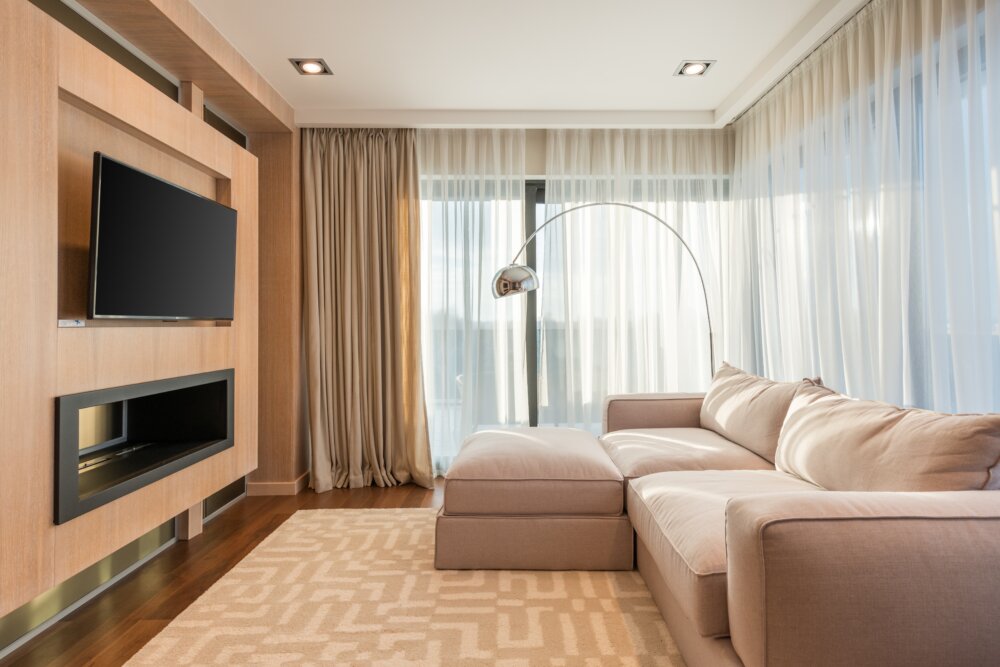
When it comes to home entertainment, a wall-mounted TV can add a sleek and modern touch to your living room. But without the proper knowledge and tools, wall mounting a TV can be a daunting task. Fortunately, with the help of Ben Handyman in Plymouth, Florida, you can turn your DIY wall mounting project into a successful and stress-free experience. In this guide, we will walk you through the process of wall mounting your TV step-by-step. Before getting started, it’s important to note that while wall mounting can save space, it also requires careful planning and attention to detail. It’s best to consult a professional like Ben Handyman in Plymouth, Florida, to ensure that your TV is mounted safely and securely. Step 1: Choose the Right Wall Mount The first step in wall mounting your TV is to choose the right wall mount. There are several types of wall mounts available, including fixed, tilting, and full-motion mounts. Fixed mounts are the most affordable and the simplest to install, but they don’t allow for any adjustment once the TV is mounted. Tilting mounts allow for some angle adjustment, while full-motion mounts provide the most versatility, allowing you to adjust the angle and height of the TV. Step 2: Gather Your Tools Before you start the installation process, gather all the necessary tools and materials. You’ll need a drill, stud finder, screws, wall anchors, a level, measuring tape, and a screwdriver. Step 3: Locate the Studs Next, use a stud finder to locate the wall studs. Studs provide the most secure mounting surface for your TV, so it’s important to find them. If you can’t find studs in the desired location for your TV, you may need to use wall anchors to securely mount the TV. Step 4: Measure and Mark Your Wall Once you’ve found the studs, measure and mark the height and location on the wall where you want your TV to be mounted. Make sure to use a level to ensure that the markings are straight and accurate. Step 5: Mount the Wall Plate Next, mount the wall plate onto the wall using screws and wall anchors. Make sure that the wall plate is securely attached and leveled. Step 6: Attach the TV Bracket to the TV Attach the TV bracket to the back of the TV according to the manufacturer’s instructions. Make sure that the bracket is securely attached to the TV. Step 7: Attach the TV to the Wall Plate Finally, attach the TV to the wall plate using the screws provided. Make sure that the TV is securely attached to the wall plate and level. Step 8: Check the TV’s Placement and Make Any Necessary Adjustments After the TV is securely mounted, take a step back and check its placement. Make any necessary adjustments to ensure that the TV is level and at the desired height. Wall mounting your TV can be a fun and rewarding DIY project, and with the help of Ben Handyman in Plymouth, Florida, you can achieve a perfect setup for your home entertainment system. Whether you need help choosing the right wall mount, locating wall studs, or mounting the TV, Ben Handyman has the expertise and experience to ensure that your wall-mounted TV is installed safely and securely. So why wait? Get started on your wall-mounting project today, and enjoy the benefits of a sleek and modern entertainment setup in no time! Contact Ben Handyman about TV Wall Mounting Call or text: 352-561-3616 Tap To Call Tap To Text Or Request Service REQUEST SERVICE Search terms you might use to find this page: Wall-mount TV installation Plymouth Florida TV wall mount services in Plymouth Wall mount your TV in Plymouth Florida DIY TV wall mount in Plymouth Professional TV mounting in Plymouth Best TV mounting services in Plymouth Wall mounting a TV in Plymouth made easy Wall-mounting guide for your TV in Plymouth Wall-mount TV Plymouth Florida How to wall mount a TV in Plymouth Find a handyman for TV wall mounting in Plymouth Tips for wall mounting your TV in Plymouth Wall-mounted TV installation made simple in Plymouth Plymouth wall mount TV guide Best TV wall mount installation in Plymouth Plymouth TV installation services Wall mounting a TV made easy by Ben Handyman in Plymouth Affordable TV wall mount installation in Plymouth Wall mounting a flat-screen TV in Plymouth Hire Ben Handyman for wall-mount TV installation in Plymouth DIY wall-mount TV in Plymouth Florida How to install a wall-mounted TV in Plymouth Professional wall mount TV services in Plymouth Mounting a TV on the wall in Plymouth Wall-mount TV installation guide for Plymouth Reliable TV mounting services in Plymouth Florida Expert TV wall mount installation in Plymouth Wall mount your TV with Ben Handyman in Plymouth Quality TV wall mount services in Plymouth Tips for wall mounting your flat-screen TV in Plymouth Wall mounting services for your TV in Plymouth Plymouth TV wall mounting solutions Affordable wall mount TV services in Plymouth Wall-mounted TV installation in Plymouth Florida Ben Handyman’s guide to TV wall mounting in Plymouth Wall mounting a TV in Plymouth: what you need to know Professional wall mount TV installation services in Plymouth The best way to mount your TV on the wall in Plymouth Tips and tricks for wall mounting your TV in Plymouth Wall mount TV services near me in Plymouth The benefits of wall-mounting your TV in Plymouth Plymouth handyman services for TV wall mounting Wall-mount TV installation Plymouth: a step-by-step guide Wall mount your TV like a pro in Plymouth Wall-mounting your TV made simple with Ben Handyman in Plymouth Safe and secure wall mount TV installation in Plymouth Wall mounting a TV in Plymouth? Call Ben Handyman Plymouth wall-mounted TV installation services Affordable and reliable TV wall mounting in Plymouth Wall-mount TV installation in Plymouth: hire the experts
DIY Guide to Wall Mounting Your TV: Step-by-Step Instructions for a Perfect Setup in Orlando (West) Florida
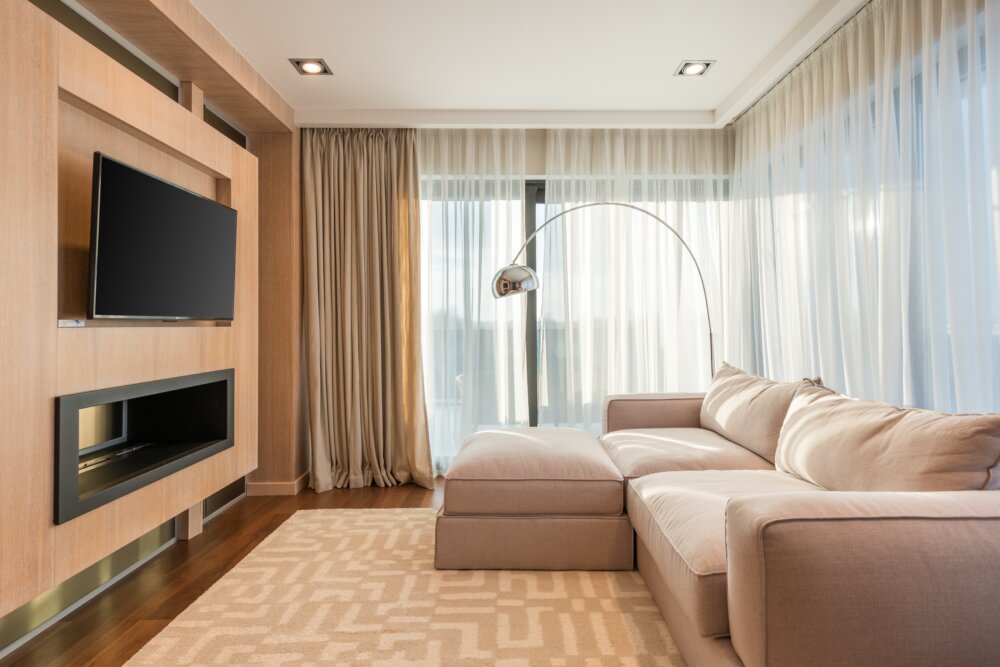
Having a TV wall mounted in your home is a great way to free up space and improve your viewing experience. However, if you’re not familiar with the process, it can seem a little intimidating. With the help of this DIY guide, wall mounting your TV in Orlando (West) Florida will be a breeze. Ben Handyman, based in the location of Orlando (West), is here to help you through each step of the process. Before you begin, make sure to gather all the necessary tools and materials. You’ll need a stud finder, a drill, a screwdriver, a wall mount, screws, toggle bolts, and a level. It’s also important to make sure the wall you want to mount your TV on is able to support the weight of your TV. Step 1: Locate the Studs The first step is to locate the studs in the wall where you want to mount your TV. This is where the wall mount will be attached to, so it’s important to find the studs to ensure the safety of your TV. To do this, use a stud finder and mark the location of each stud on the wall. Step 2: Measure and Mark the Wall Now that you’ve found the studs, you’ll need to measure the distance between them to determine where the wall mount should be placed. Measure the distance from the center of one stud to the center of the next, and then mark the wall with a pencil at these measurements. Step 3: Attach the Wall Plate Next, attach the wall plate to the wall by using screws and toggle bolts. Make sure the wall plate is level and secure. Step 4: Attach the Wall Mount Now that the wall plate is in place, you can attach the wall mount to the plate. Make sure the mount is level and tighten the screws to secure it in place. Step 5: Hang the TV Once the wall mount is secure, it’s time to hang the TV. First, attach the brackets to the back of the TV and then attach the TV to the wall mount by using the screws provided. Make sure the TV is level and tightened securely to the wall mount. Step 6: Connect the Cables Finally, connect your cable and power cables to the TV and plug it in. You can use cable ties to neatly organize the cables and keep them out of sight. Wall mounting your TV in Orlando (West) Florida is a great way to free up space and improve your viewing experience. With the help of this DIY guide and the services of Ben Handyman, based in the location of Orlando (West), wall mounting your TV will be a breeze. If you encounter any difficulties along the way, don’t hesitate to reach out to a professional for assistance. With the proper tools and materials, you’ll have your TV wall mounted in no time. Contact Ben Handyman about TV Wall Mounting Call or text: 352-561-3616 Tap To Call Tap To Text Or Request Service REQUEST SERVICE Search terms you might use to find this page: Wall mounting TV Orlando (West) Florida How to wall mount TV in Orlando (West) DIY guide for wall mounting TV in Orlando (West) Wall mounting TV tips in Orlando (West) Ben Handyman Orlando (West) for TV wall mount Steps for TV wall mount in Orlando (West) Finding studs for TV wall mount in Orlando (West) Orlando (West) TV wall mount services Orlando (West) wall mount installation for TV Tools needed for TV wall mount in Orlando (West) Best wall mounts for TV in Orlando (West) TV wall mount installation Orlando (West) Professional TV wall mount services in Orlando (West) Orlando (West) DIY TV wall mount guide How to choose the right wall mount for your TV in Orlando (West) Orlando (West) wall mount installation tips Orlando (West) TV mounting solutions How to safely wall mount your TV in Orlando (West) Ben Handyman Orlando (West) for TV mounting Best practices for wall mounting your TV in Orlando (West) Orlando (West) TV wall mount installation guide Wall mounting your TV in Orlando (West) made easy Orlando (West) TV wall mount installation company Tips for DIY TV wall mount in Orlando (West) Orlando (West) TV wall mount installation checklist Professional wall mount installation for TV in Orlando (West) How to avoid common mistakes when wall mounting TV in Orlando (West) Orlando (West) wall mount installation for large TVs How to choose the right location for your wall mounted TV in Orlando (West) Orlando (West) TV wall mount cost Benefits of wall mounting your TV in Orlando (West) Orlando (West) TV wall mount installation tools checklist How to ensure your wall mounted TV is secure in Orlando (West) Orlando (West) TV wall mount installation services near me Safety tips for wall mounting your TV in Orlando (West) Orlando (West) TV wall mount installation video tutorial Orlando (West) wall mount installation for curved TVs How to hide cables when wall mounting your TV in Orlando (West) Orlando (West) TV wall mount installation safety checklist How to properly measure for TV wall mount in Orlando (West) Orlando (West) TV wall mount installation guide for beginners How to wall mount your TV on brick in Orlando (West) Orlando (West) TV wall mount installation for outdoor use Orlando (West) TV wall mount installation height How to choose the right screws for TV wall mount in Orlando (West) Orlando (West) TV wall mount installation for renters Wall mount installation for TV over fireplace in Orlando (West) Orlando (West) TV wall mount installation for small spaces How to wall mount your TV without drilling in Orlando (West) Orlando (West) TV wall mount installation warranty
DIY Guide to Wall Mounting Your TV: Step-by-Step Instructions for a Perfect Setup in Okahumpka Florida
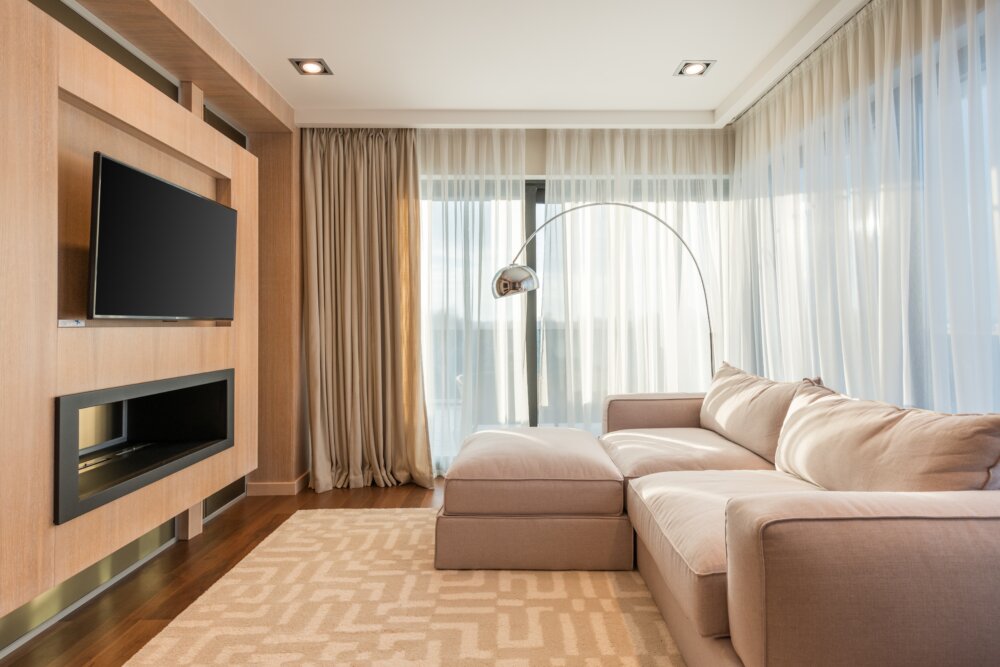
Wall mounting your TV can seem like a daunting task, but with the right tools and a little bit of knowledge, it can be done easily and quickly. If you’re located in Okahumpka, Florida, and in need of help, Ben Handyman, the local handyman business, can guide you through the process and help you get your TV up on the wall in no time. Here’s a step-by-step guide to help you get started. Step 1: Determine the Best Location for Your TV The first step in wall mounting your TV is to determine the best location for it. You’ll want to consider factors such as the height of the wall, the distance from the viewer, and the angle of the room. Once you’ve determined the best location, use a pencil to mark the spot where the bracket will be mounted. Step 2: Gather the Tools and Equipment You’ll Need Before you start the mounting process, you’ll need to gather the tools and equipment you’ll need. You’ll need a drill, drill bits, screws, a level, a stud finder, a screwdriver, and a wall mount bracket. If you’re in Okahumpka, Florida, Ben Handyman can provide you with all the tools and equipment you need to get the job done. Step 3: Find the Studs in Your Wall Before you can mount the bracket, you’ll need to find the studs in your wall. A stud finder can be used to locate the studs. Once you’ve found the studs, use a level to make sure the bracket will be mounted straight. Step 4: Mount the Bracket Once you’ve found the studs, it’s time to mount the bracket. Start by holding the bracket up to the wall where you’ve marked the spot. Use the screws provided with the bracket to attach it to the wall. Make sure the bracket is level before tightening the screws. Step 5: Attach the TV to the Bracket Now that the bracket is securely attached to the wall, it’s time to attach the TV to the bracket. Start by attaching the brackets to the back of the TV. Then, place the TV onto the bracket and secure it with the screws provided. Step 6: Test the TV Before you step back and admire your work, you’ll want to test the TV to make sure it’s securely attached to the wall. Give the TV a gentle push to make sure it’s not going to fall off the wall. If it feels secure, you’re done! In conclusion, wall mounting your TV is a DIY project that can be done easily and quickly with the right tools and a little bit of knowledge. If you’re located in Okahumpka, Florida, and need help, Ben Handyman is the local handyman business that can guide you through the process and help you get your TV up on the wall in no time. With this step-by-step guide, you’ll have your TV mounted in no time and be able to enjoy your favorite shows and movies from the comfort of your own home. Don’t hesitate to contact Ben Handyman for help with all your handyman needs in Okahumpka, Florida. Contact Ben Handyman about TV Wall Mounting Call or text: 352-561-3616 Tap To Call Tap To Text Or Request Service REQUEST SERVICE Search terms you might use to find this page: How to mount a TV on a wall DIY TV wall mount TV mounting guide Wall mount TV installation Easy TV wall mount Tips for wall mounting your TV Wall mount bracket for TV Wall mount TV stand How to find studs in a wall Stud finder for TV mounting Tools for TV wall mount TV wall mount screws TV wall mount kit Level for TV wall mount Local handyman for TV mounting Okahumpka, Florida handyman services Ben Handyman in Okahumpka Step-by-step TV wall mount DIY guide for mounting a TV on a wall TV mounting in Okahumpka, Florida How to choose the best location for a TV Factors to consider when wall mounting a TV Best height for wall mounted TV Distance from the viewer for wall mounted TV Angle of the room for wall mounted TV TV wall mount safety tips Securely mounting a TV on the wall TV wall mount installation tips TV wall mount DIY or hire a handyman? TV wall mount cost in Okahumpka, Florida Where to buy a TV wall mount in Okahumpka Different types of TV wall mounts Full-motion TV wall mount Tilting TV wall mount Fixed TV wall mount Swivel TV wall mount In-wall TV mount How to hide TV cables when wall mounting TV wall mount for brick walls TV wall mount for drywall TV wall mount for plaster walls Can you mount a TV on a ceiling? TV wall mount for outdoor use DIY TV wall mount vs professional installation TV wall mount for a corner TV wall mount for a fireplace TV wall mount with shelf TV wall mount for curved TV TV wall mount for large TV TV wall mount for small spaces