
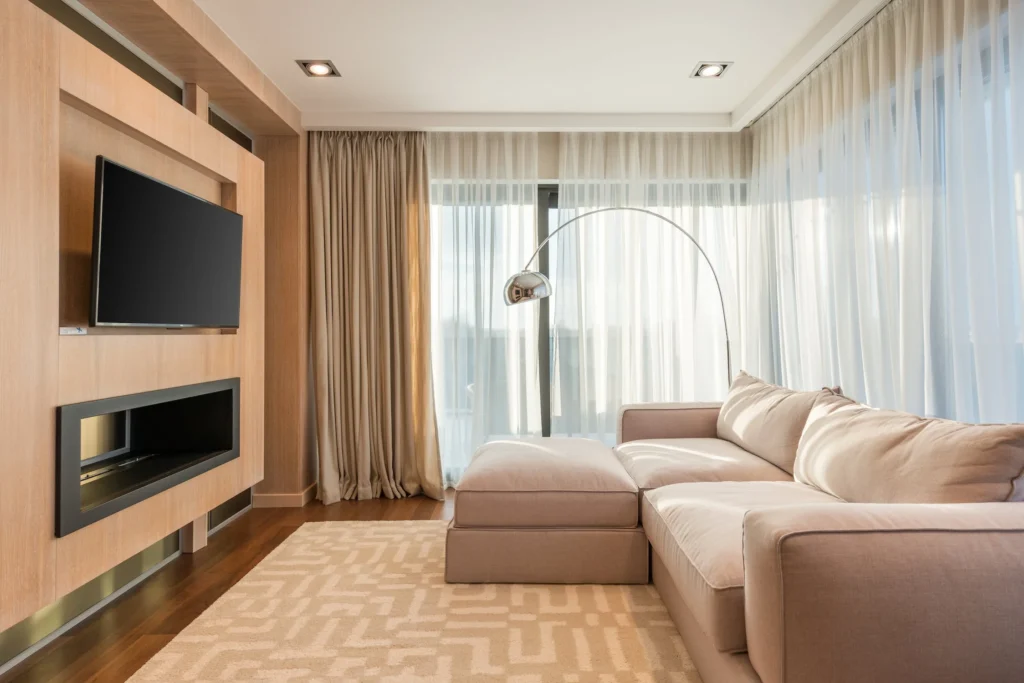
Are you looking for a DIY guide to wall mounting your TV? If you live in Mount Dora, Florida and are in need of some step-by-step instructions for a perfect setup, look no further. With the help of Ben Handyman, a professional handyman business based in Mount Dora, you can have your TV up on the wall in no time.
Before you get started, you’ll need to gather a few tools and supplies. You’ll need a stud finder, a drill, drill bits, a screwdriver, wall anchors, screws, and a wall mount bracket that is compatible with your TV. You’ll also need a friend to help you, as wall mounting a TV can be a two-person job.
Step 1: Find the Studs
The first step in wall mounting your TV is to locate the studs in the wall. This is where you will attach the wall mount bracket. Use a stud finder to locate the studs and mark their location on the wall with a pencil.
Step 2: Attach the Wall Mount Bracket
Once you’ve located the studs, it’s time to attach the wall mount bracket. Hold the bracket up against the wall and use a pencil to mark where the holes for the screws will be. Then, drill pilot holes into the marked locations and use screws to attach the bracket to the studs. Make sure the bracket is level before tightening the screws.
Step 3: Connect the TV to the Bracket
With the bracket securely attached to the wall, it’s time to connect the TV to the bracket. Follow the instructions that came with your wall mount bracket, as the process will vary depending on the brand and model of your TV and bracket. Generally, you’ll need to attach the mounting plate to the back of your TV, and then connect the mounting plate to the bracket.
Step 4: Hang the TV on the Bracket
Once the TV is securely connected to the bracket, it’s time to hang the TV on the wall. This is where you’ll need a friend to help you. Lifting the TV up to the bracket can be difficult, so make sure you have a good grip on the TV and are lifting it straight up. Once the bracket is securely attached to the TV, step back and admire your handiwork.
Step 5: Secure the Cords
The final step in wall mounting your TV is to secure the cords. Use cable ties or a cord cover to tidy up the cords and keep them from getting tangled. This will give your setup a clean and professional look.
By following these five simple steps, you’ll be able to wall mount your TV like a pro. And, if you run into any issues or have any questions, don’t hesitate to reach out to Ben Handyman, your local handyman service based in Mount Dora, Florida. Ben Handyman has years of experience in wall mounting TVs and can help you get the perfect setup for your home.
In conclusion, wall mounting your TV can be a DIY project if you have the right tools and follow the steps outlined in this guide. Just remember to take your time and be careful, and you’ll have a beautifully mounted TV in no time. And if you need any help, don’t hesitate to reach out to the professional handyman services of Ben Handyman, based in Mount Dora, Florida.