
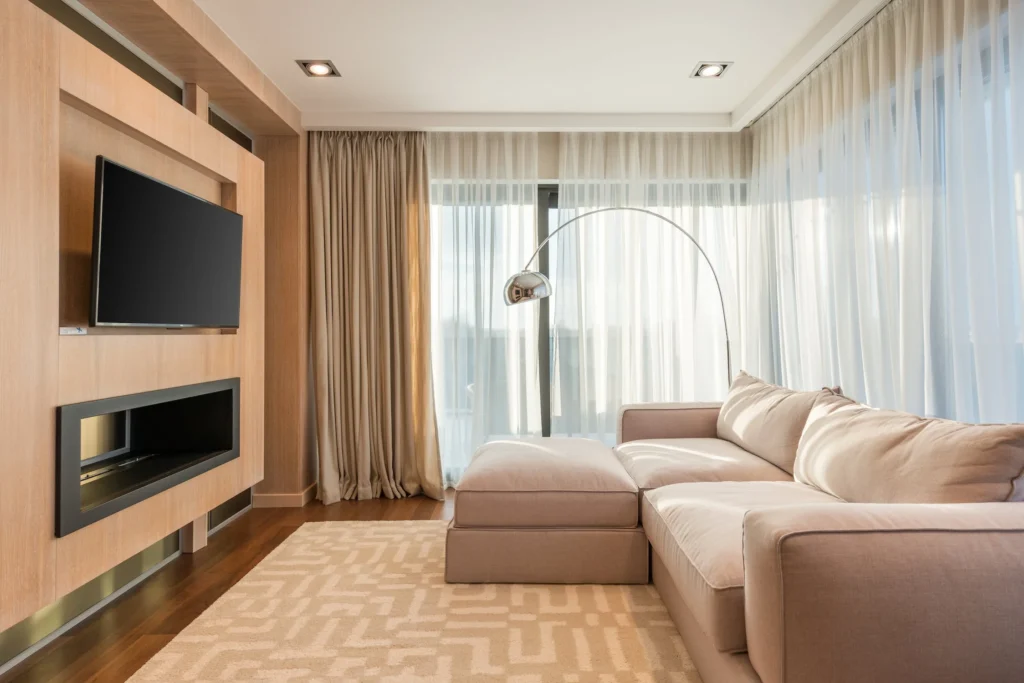
Are you tired of having a bulky TV stand taking up valuable floor space in your Apopka, Florida living room? Wall mounting your TV is a great way to free up floor space and give your home entertainment system a sleek and modern look. While the thought of mounting your TV on the wall may seem daunting, it’s actually a straightforward DIY project that can be accomplished in just a few hours with the right tools and equipment.
At Ben Handyman, located in Apopka, Florida, we know how important it is to have a TV setup that is both functional and aesthetically pleasing. That’s why we’ve put together this step-by-step guide to help you wall mount your TV like a pro.
Step 1: Gather Your Tools and Equipment
Before you begin your TV wall mount project, you’ll need to gather a few tools and pieces of equipment. Here’s a list of what you’ll need:
Wall mount bracket
Stud finder
Drill
Screwdriver
Level
Measuring tape
Wall anchors (if you’re not mounting the TV on a wall stud)
Cable management system (optional)
Step 2: Choose Your Wall Mounting Location
Once you’ve gathered all of your tools and equipment, it’s time to choose the best location to mount your TV. Consider the following factors when making your decision:
Viewing angles: Choose a location where the TV will be at eye level when seated.
Wall studs: Make sure the wall mount bracket will be mounted on a wall stud for maximum stability.
Cable management: Consider how you’ll run your cables and choose a location that will make cable management as easy as possible.
Step 3: Measure Your TV and the Wall
Before you begin drilling into your wall, you’ll need to make sure the wall mount bracket you’ve chosen is the right size for your TV. Measure the width, height, and depth of your TV and compare it to the specifications for the wall mount bracket you’ve chosen. Make sure the bracket is designed to fit your TV and that it will support the weight of your TV.
Next, measure the height of the wall where you want to mount the TV. This will help you determine the height of the wall mount bracket and where to place it on the wall.
Step 4: Locate the Wall Studs
The next step is to locate the wall studs behind the drywall. A stud finder is an essential tool for this task. Simply hold the stud finder against the wall and move it slowly until it indicates the presence of a wall stud. Repeat this process until you’ve located all of the wall studs in the area where you want to mount your TV.
Step 5: Mark the Wall Studs
Once you’ve located the wall studs, use a pencil to mark their location on the wall. This will help you know where to drill when it’s time to attach the wall mount bracket to the wall.
Step 6: Attach the Wall Mount Bracket to the Wall Studs
With the wall studs marked, you’re ready to attach the wall mount bracket to the wall. Make sure the bracket is level before you begin drilling. If your bracket comes with a template, use it to mark the holes for the screws on the wall. If your bracket doesn’t come with a template, use the bracket itself as a guide to mark the holes.
Once you’ve marked the holes, use a drill to make pilot holes for the screws. Then attach the bracket to the wall studs using the screws provided with the bracket. Make sure the bracket is securely attached to the wall and that it’s level.
Step 7: Mount the TV on the Wall Bracket
With the wall mount bracket securely attached to the wall, it’s time to mount the TV. The process for mounting the TV on the wall bracket will vary depending on the type of bracket you’ve chosen. Some brackets come with a simple locking mechanism that you simply insert the TV into, while others require you to screw the TV into the bracket.
Regardless of the type of bracket you have, make sure the TV is securely mounted on the bracket and that it’s level.
Step 8: Connect the Cables
Once the TV is securely mounted on the wall, it’s time to connect the cables. Depending on your TV and cable setup, you may need to use a cable management system to keep your cables organized and tidy. Make sure all of your cables are connected and that there are no loose cables hanging from the back of the TV.
Step 9: Test the TV
Finally, turn on your TV and make sure it’s working properly. Test the picture and sound quality, and make sure the TV is level and secure on the wall.
Conclusion
Wall mounting your TV is a great way to free up floor space and give your home entertainment system a sleek and modern look. With this step-by-step guide, you’ll be able to wall mount your TV like a pro in no time. And if you’re located in Apopka, Florida, don’t hesitate to contact Ben Handyman for all of your home improvement needs. With years of experience in the handyman business, Ben Handyman can help you with any DIY project you have in mind, big or small.